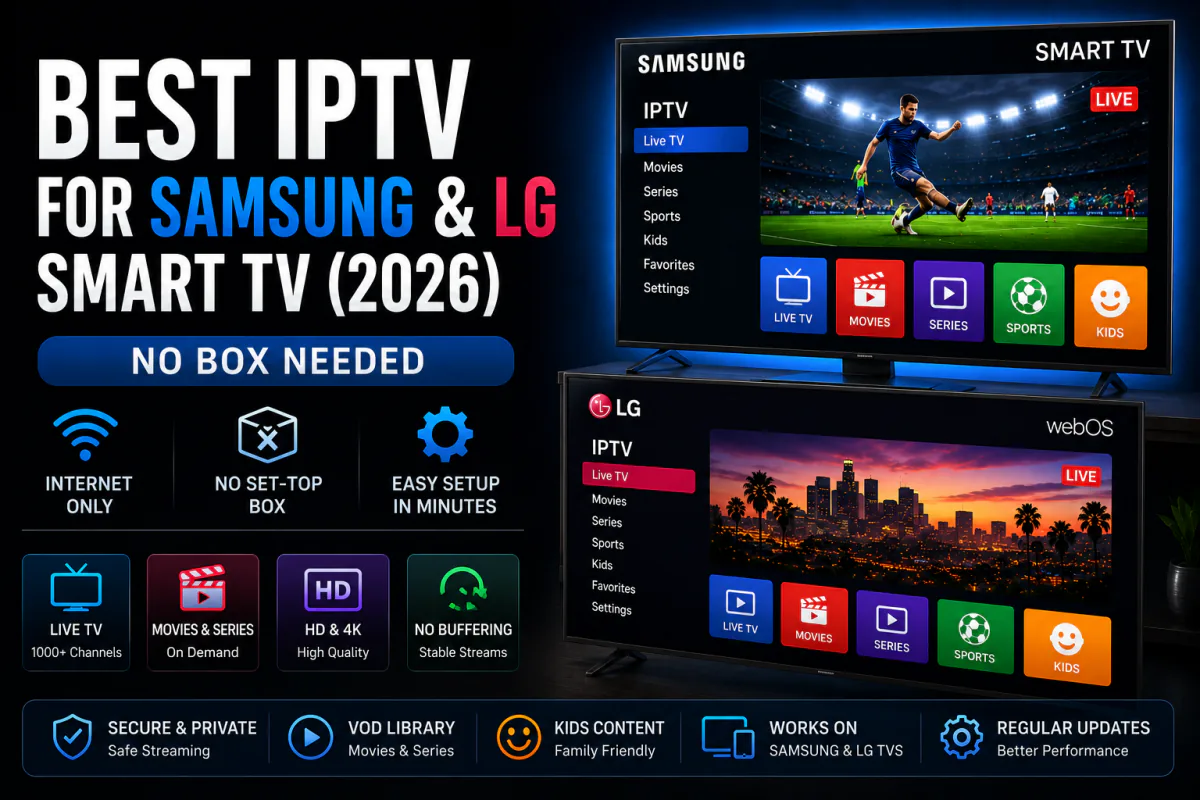
Got a Samsung or LG Smart TV? You don't need a Firestick to watch IPTV on it. Samsung and LG together make up roughly 28% of US streaming screens, and both run their own app stores you can install IPTV apps from directly (Parks Associates via TV Tech, 2025).
No extra box, no second remote, no sideloading. Just install an app and log in. So which app is best for Tizen and webOS, and how do you set it up?
This guide ranks the five best IPTV apps for Samsung and LG TVs, compares them side by side, and walks you through a three-minute install.
Key Takeaways
- Samsung + LG make up about 28% of US screens — no Firestick needed (Parks Associates, 2025).
- IPTV Smarters Pro and IBO Player Pro lead; install straight from the TV's app store.
- The app is free or a small one-time fee — you still need a subscription, from $4.92/month.
Do You Need a Firestick for IPTV on a Smart TV?
No — and that's the whole point. Samsung TVs run Tizen and LG TVs run webOS, each with its own app store, so you install IPTV apps natively. Together the two brands account for roughly 28% of US streaming devices, more than any single streaming box (Parks Associates via TV Tech, 2025).
Here's a quirk worth knowing: Tizen and webOS don't run Android apps, so the app list is shorter than Android TV's. The upside? Everything that is available is native and store-approved — no sideloading, no security prompts.
What's the Best IPTV App for Samsung & LG?
IPTV Smarters Pro leads for its cross-platform polish, with IBO Player Pro the strongest native app-store option. Both support Xtream Codes and a full EPG on Tizen and webOS. With smart TVs making up a big share of US screens, these apps are well-optimized for remote navigation (Parks Associates via TV Tech, 2025).
1. IPTV Smarters Pro — best overall
The most versatile pick, running on Samsung Tizen, LG webOS, Android, Apple TV and Fire TV. It's free, supports Xtream Codes and M3U, and pairs with our IPTV Smarters Pro setup guide.
2. IBO Player Pro — best native app-store option
Available directly in the Samsung App Store and LG Content Store, so there's zero sideloading. It's become the strongest native choice since Smart IPTV's decline, with a clean interface and reliable playback.
3. Smart IPTV (SIPTV) — the classic
A long-time favorite on LG and Samsung, supporting M3U playlists with a one-time fee of around $5.49. Simple, lightweight and well-supported across older TV models.
4. SmartOne IPTV — best for LG webOS
A polished webOS option with Xtream Codes and M3U support, multi-playlist handling and a tidy EPG. A strong alternative if Smart IPTV isn't on your model.
5. Set IPTV — easy backup pick
Another widely supported Tizen and webOS app with M3U upload via a web portal. Handy as a backup if your first choice isn't available on your TV's store.
How Do the Smart TV IPTV Apps Compare?
They split on price and login type. IPTV Smarters Pro is free with Xtream Codes, while the SIPTV-style apps charge a small one-time fee and lean on M3U uploads. All run natively on Samsung and LG, with no box required.
| App | Xtream Codes | M3U | Samsung (Tizen) | LG (webOS) | Price |
|---|---|---|---|---|---|
| IPTV Smarters Pro | ✓ | ✓ | ✓ | ✓ | Free |
| IBO Player Pro | ✓ | ✓ | ✓ | ✓ | One-time fee |
| Smart IPTV (SIPTV) | — | ✓ | ✓ | ✓ | ~$5.49 |
| SmartOne IPTV | ✓ | ✓ | ✓ | ✓ | One-time fee |
| Set IPTV | — | ✓ | ✓ | ✓ | Low fee |
Get a Playlist for Your Smart TV
25,000+ live channels in 4K, ready for any Samsung or LG app. Try it free for 24 hours.
Start Free TrialHow Do You Install IPTV on a Samsung or LG TV?
In about three minutes, with no sideloading. Streaming now makes up 47.5% of US TV viewing, much of it on smart TVs, so the process is quick and familiar (Nielsen via eMarketer, 2025). Here's the Samsung route — LG is nearly identical.
- Open the app store — Samsung App Store or LG Content Store on your TV.
- Search and install "IPTV Smarters Pro" or "Smart IPTV".
- Log in with Xtream Codes or upload your M3U playlist.
- Let the EPG load, then open Live TV.
- Use a wired or 5 GHz connection for a stable 4K stream.
Need more help? Our device setup guides cover each app, or compare other devices like Firestick and Apple TV.
What's the Best IPTV Subscription for Your Smart TV?
The app is only as good as the playlist behind it. For a Samsung or LG TV you want 4K streams, anti-freeze stability and an accurate EPG — what IPTV Smarters Plus delivers from $4.92 a month. One Xtream Codes login works across every app on this list.
- Works on Tizen & webOS — Smarters Pro, IBO Player, SmartOne and more.
- 4K with anti-freeze — stable streams; see our no-buffering guide.
- 24-hour free trial — test it on your TV before paying.
Frequently Asked Questions
What is the best IPTV app for a Samsung or LG Smart TV?
IPTV Smarters Pro and IBO Player Pro lead for Samsung (Tizen) and LG (webOS), with Xtream Codes login and a full EPG. Samsung and LG together make up about 28% of US screens, and both apps install straight from the TV.
Do I need a Firestick for IPTV on a Smart TV?
No. Samsung and LG run their own app stores, so you can install an IPTV app directly — no Firestick or Android box required. It saves the cost of extra hardware and a second remote.
Is there a free IPTV app for Samsung and LG TVs?
IPTV Smarters Pro is free on Samsung Tizen and LG webOS. Some apps like Smart IPTV and IBO Player charge a small one-time fee, around $5. All still need an IPTV subscription or M3U playlist for channels.
How do I install IPTV on a Samsung Smart TV?
Open the Samsung App Store, search for IPTV Smarters Pro or Smart IPTV, install it, then log in with the Xtream Codes or M3U details your provider sends. Setup takes about three minutes with no sideloading.
Will IPTV work on older Samsung and LG TVs?
Usually yes, if the TV still gets app-store updates. Older models run fewer apps, but Smart IPTV and IBO Player support most Tizen and webOS versions. For very old TVs, an external player keeps streams stable in 4K.
Final Verdict
If you own a Samsung or LG TV, you already have everything you need for IPTV — no Firestick, no box. Install IPTV Smarters Pro or IBO Player from the TV's own store, and you're minutes from 4K live TV.
Our recommendation: install Smarters Pro, then start the IPTV Smarters Plus free 24-hour trial and log in with Xtream Codes. You'll be watching on the big screen in minutes — no card required to begin.
Sources
TV Tech, "Roku Keeps 37% Share of North American CTV Streaming Device Market" (Parks Associates data), retrieved 2026-06-15, tvtechnology.com · eMarketer / Nielsen The Gauge, "Streaming hits 47.5% of TV viewing", retrieved 2026-06-15, emarketer.com
Comments are loading… Be the first to share your experience below.