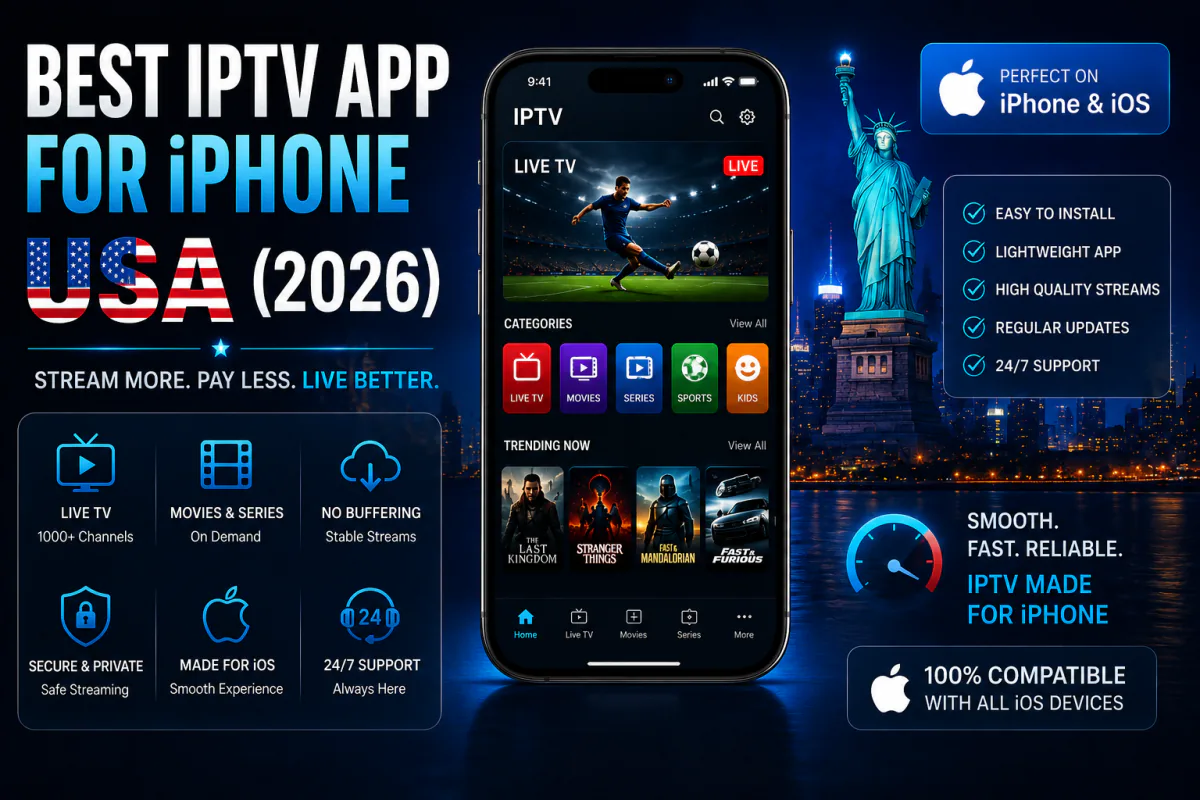
Looking for the best IPTV app for iPhone? You're in good company — about 58% of US smartphones are iPhones, so iOS IPTV players are well-built and plentiful (StatCounter via DemandSage, 2025). The hard part isn't finding an app; it's picking the right one.
Most iPhone IPTV apps are free to download. The catch? The app is only half the setup — you still need a subscription or playlist to feed it channels. Get both right and your iPhone becomes a full TV in your pocket.
This guide ranks the five best iOS IPTV apps for 2026, compares their features side by side, and walks you through a two-minute setup.
Key Takeaways
- About 58% of US phones are iPhones, so iOS IPTV apps are well-supported (StatCounter, 2025).
- Smarters Player Lite and IPTV Smarters Pro lead on EPG, AirPlay and Picture-in-Picture.
- The app is free — you still need a subscription. IPTV Smarters Plus plans start at $4.92/month.
What's the Best IPTV App for iPhone in 2026?
Smarters Player Lite tops the list, with IPTV Smarters Pro and GSE Smart IPTV close behind. All three support Xtream Codes login, full EPG, AirPlay and Picture-in-Picture. With iOS holding roughly 58% of the US market, these apps get frequent updates and polished native interfaces (StatCounter via DemandSage, 2025).
1. Smarters Player Lite — best overall
The top-rated iOS IPTV app for 2026. It supports Xtream Codes, a full EPG with channel logos, Netflix-style movie browsing, AirPlay casting and Picture-in-Picture — clean, fast and free.
2. IPTV Smarters Pro — best all-rounder
Available for both iPhone and Apple TV from the App Store. Same Xtream Codes and M3U support, with a familiar layout and reliable EPG. Pairs perfectly with our IPTV Smarters Pro setup guide.
3. GSE Smart IPTV — best for power users
A long-time favorite with M3U, Xtream Codes and JSON support, iCloud sync across Apple devices, granular subtitle control, multiple audio tracks and parental controls.
4. IPTV Green Pro — best for sports fans
Its standout feature is split-screen viewing of up to four channels at once, plus iCloud sync and Picture-in-Picture — ideal for a packed sports Sunday.
5. IPTV One — best multi-platform
Built as a true cross-device player, supporting M3U/M3U8, Xtream Codes and Stalker Portal, with an EPG that adds TMDb metadata for richer movie info.
How Do the Top iPhone IPTV Apps Compare?
All five handle the essentials, but they differ on casting and multitasking. Since roughly 58% of US smartphone users are on iPhone, features like AirPlay and Picture-in-Picture matter for moving between the small screen and the big one. Here's how they stack up.
| iOS App | Xtream Codes | M3U Playlist | Full EPG | AirPlay | Picture-in-Picture |
|---|---|---|---|---|---|
| Smarters Player Lite | ✓ | ✓ | ✓ | ✓ | ✓ |
| IPTV Smarters Pro | ✓ | ✓ | ✓ | ✓ | ✓ |
| GSE Smart IPTV | ✓ | ✓ | ✓ | ✓ | ✓ |
| IPTV Green Pro | ✓ | ✓ | ✓ | — | ✓ |
| IPTV One | ✓ | ✓ | ✓ | — | — |
Get a Playlist for Your iPhone App
25,000+ live channels in 4K, ready for any iOS player. Try it free for 24 hours — no card needed.
Start Free TrialIs the IPTV App Free, or Do I Need a Subscription?
The app is free; the channels are not. Every iOS IPTV player above is a free download, but it's just an empty shell until you add a subscription or M3U playlist. This is the single biggest point of confusion for new users.
Think of it like Netflix's app versus a Netflix account. Smarters Player Lite is the "TV"; your IPTV subscription is the "signal." Download the app from the App Store, then enter the Xtream Codes login your provider gives you — that's what actually fills it with channels.
How Do You Set Up IPTV on iPhone? (Step by Step)
It takes about two minutes. With roughly 58% of US phones running iOS, the process is the same on almost any recent iPhone. Here's the fastest route using Smarters Player Lite and an IPTV Smarters Plus login.
- Install the app — search "Smarters Player Lite" in the App Store and download it free.
- Choose Login with Xtream Codes on the first screen.
- Enter your details — the username, password and URL your provider sends.
- Let the EPG load, then open Live TV and pick a channel.
- Use 5 GHz Wi-Fi for a stable 4K stream — or AirPlay it to your TV.
Prefer another player? The steps are nearly identical in GSE Smart IPTV. Our full device setup guides cover each one.
What iPhone Features Should an IPTV App Have?
Four features separate a great iOS IPTV app from a basic one: a reliable EPG, AirPlay, Picture-in-Picture and a stable player. Streaming now makes up 47.5% of US TV viewing, and much of that happens on phones, so multitasking features matter more than ever (Nielsen via eMarketer, 2025).
- Full EPG — a proper TV guide with logos, not a bare channel list.
- AirPlay — cast from iPhone to Apple TV in a tap.
- Picture-in-Picture — keep the game playing while you text.
- Stable playback — anti-freeze servers matter; see our no-buffering guide.
What's the Best IPTV Subscription to Pair With Your iPhone?
The app is only as good as the playlist behind it. For iPhone, you want a subscription with 4K streams, anti-freeze stability and an accurate EPG — exactly what IPTV Smarters Plus delivers from $4.92 a month. It works with every iOS app above using a single Xtream Codes login.
- Works on every iOS app — Smarters Player Lite, GSE, IPTV One and more.
- 25,000+ channels in 4K — plus all sports and a huge VOD library.
- 24-hour free trial — test it on your iPhone before you pay.
Frequently Asked Questions
What is the best IPTV app for iPhone in 2026?
Smarters Player Lite and IPTV Smarters Pro lead the field, with Xtream Codes login, full EPG, AirPlay and Picture-in-Picture. With about 58% of US phones being iPhones, iOS IPTV apps are well-supported and free to download.
Is the IPTV app free on iPhone?
Yes, the apps are free on the App Store. The app is just the player — you still need an IPTV subscription or M3U playlist to watch channels. IPTV Smarters Plus provides the login, with plans from $4.92 a month.
How do I set up IPTV on my iPhone?
Install Smarters Player Lite, choose Login with Xtream Codes, then enter the username, password and URL your provider sends. Setup takes about two minutes, and roughly 58% of US smartphone users are on a compatible iPhone.
Can I AirPlay IPTV from iPhone to my TV?
Yes. Smarters Player Lite and GSE Smart IPTV support AirPlay, so you can cast IPTV from your iPhone to an Apple TV. Picture-in-Picture also lets you keep watching while using other apps.
Will IPTV buffer on iPhone?
It can on weak Wi-Fi. About 57% of sports viewers report buffering, so use 5 GHz Wi-Fi and a provider with anti-freeze servers. A premium service keeps iPhone streams stable in 4K when the signal is strong.
Final Verdict
For iPhone in 2026, Smarters Player Lite is the best IPTV app overall — fast, free and loaded with AirPlay and Picture-in-Picture. But remember the golden rule: the app is the player, your subscription is the signal. You need both.
Our recommendation: download Smarters Player Lite, then start the IPTV Smarters Plus free 24-hour trial and log in with Xtream Codes. You'll be watching 4K live TV on your iPhone in minutes — no card required to begin.
Sources
DemandSage, "iPhone vs Android User Market Share" (StatCounter data), retrieved 2026-06-15, demandsage.com · eMarketer / Nielsen The Gauge, "Streaming hits 47.5% of TV viewing", retrieved 2026-06-15, emarketer.com
Comments are loading… Be the first to share your experience below.