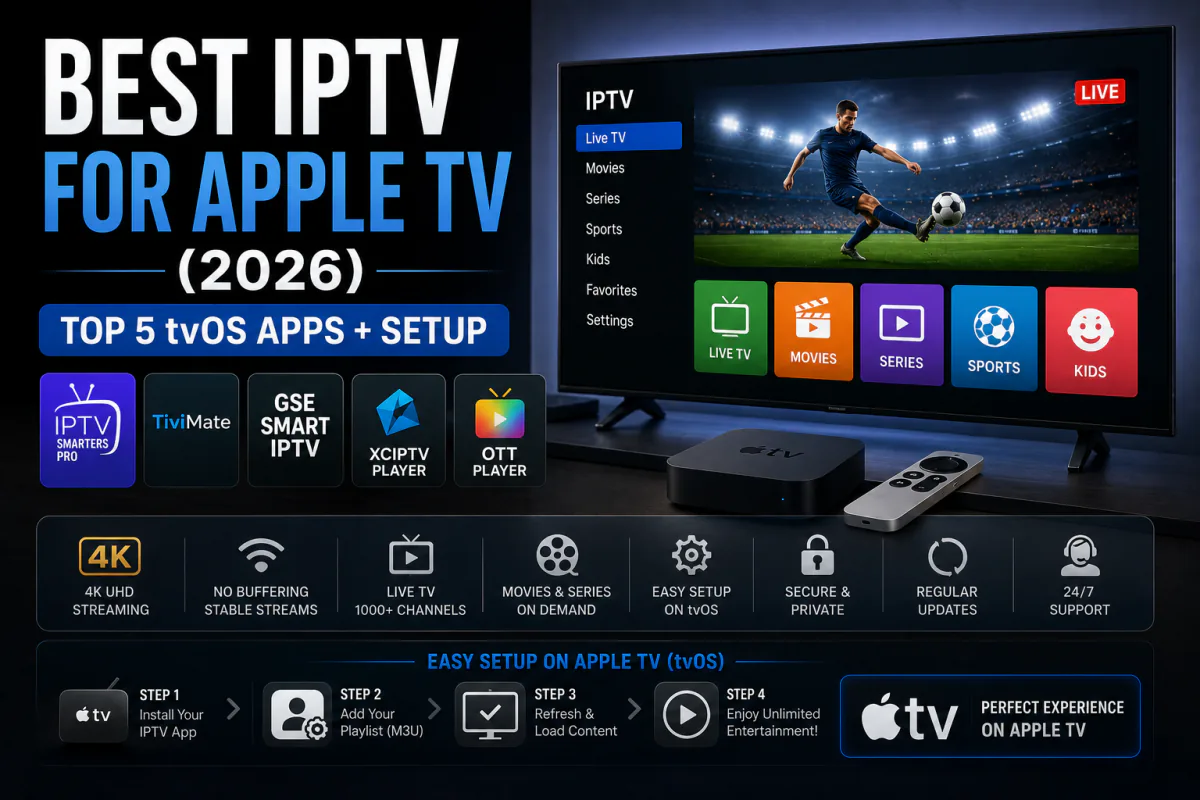
Want the best IPTV for Apple TV? You've picked the easiest device to set up. Apple TV holds about 11% of the US streaming-device market, and every top IPTV app installs straight from the App Store — no sideloading, no workarounds (Parks Associates via TV Tech, 2025).
That simplicity is Apple TV's superpower. While Android TV users wrestle with Downloader and unknown sources, you just tap "Get." The only real decision left is which app to install.
This guide ranks the five best tvOS IPTV apps for 2026, compares their features, and walks you through a two-minute setup on your Apple TV.
Key Takeaways
- Apple TV is about 11% of US streaming devices — every IPTV app installs from the App Store (Parks Associates, 2025).
- IPTV Smarters Pro and Smarters Player Lite lead; iPlayTV is the prettiest paid option.
- No sideloading needed — but you still need a subscription. IPTV Smarters Plus starts at $4.92/month.
What's the Best IPTV App for Apple TV in 2026?
IPTV Smarters Pro is the best overall, with Smarters Player Lite and GSE Smart IPTV close behind. All support Xtream Codes, M3U playlists, full EPG and smooth 4K playback. Because Apple TV's A-series chip handles upscaling so well, even busy channel lists feel instant (Parks Associates via TV Tech, 2025).
1. IPTV Smarters Pro — best overall
A polished, tvOS-optimized player with M3U, Xtream Codes, multi-provider management and reliable EPG. It's free, familiar and the easiest starting point. Pair it with our IPTV Smarters Pro setup guide.
2. Smarters Player Lite — best lightweight pick
The lighter sibling of Smarters Pro, with the same Xtream Codes login, EPG, AirPlay and Picture-in-Picture. Fast, clean and free on the App Store — our default recommendation for most users.
3. GSE Smart IPTV — most feature-complete
The power user's choice, with multi-EPG support, custom stream headers, multiple video decoders, Picture-in-Picture and external player support — all native to tvOS.
4. iPlayTV — best interface
A paid app (around $5.99) with a beautiful Netflix-style layout that makes the most of Apple TV's hardware for 4K upscaling and instant channel switching. Worth it if design matters to you.
5. IPTVX — best modern design
A slick, modern tvOS player with M3U and Xtream Codes support and a clean guide. A strong paid alternative if you want something fresh beyond the Smarters family.
How Do the Top Apple TV IPTV Apps Compare?
All five handle the essentials; they differ on polish and price. With Apple TV making up roughly 11% of US streaming devices, developers focus on quality over quantity, so even the free apps feel premium. Here's how they line up.
| tvOS App | Xtream Codes | M3U Playlist | Full EPG | Picture-in-Picture | Price |
|---|---|---|---|---|---|
| IPTV Smarters Pro | ✓ | ✓ | ✓ | ✓ | Free |
| Smarters Player Lite | ✓ | ✓ | ✓ | ✓ | Free |
| GSE Smart IPTV | ✓ | ✓ | ✓ | ✓ | Free |
| iPlayTV | ✓ | ✓ | ✓ | — | ~$5.99 |
| IPTVX | ✓ | ✓ | ✓ | ✓ | Paid |
Get a Playlist for Your Apple TV
25,000+ live channels in 4K, ready for any tvOS player. Try it free for 24 hours — no card needed.
Start Free TrialWhy Is Apple TV Easier Than Android TV for IPTV?
One word: the App Store. Every top tvOS IPTV app downloads directly, while the best Android TV apps need sideloading through Downloader. Apple TV trades a smaller 11% device share for a far smoother install (Parks Associates via TV Tech, 2025).
Here's the trade-off worth knowing: Apple TV costs more upfront than a Firestick, but you save the hassle and risk of sideloading. For non-technical users, that convenience alone justifies the price.
How Do You Set Up IPTV on Apple TV? (Step by Step)
It takes about two minutes, with no sideloading. Streaming now makes up 47.5% of US TV viewing, and Apple TV's App Store makes joining in effortless (Nielsen via eMarketer, 2025). Here's the fastest route.
- Open the App Store on your Apple TV and search "Smarters Player Lite".
- Install it — it's free, no sideloading needed.
- Choose Login with Xtream Codes on the first screen.
- Enter your details — the username, password and URL your provider sends.
- Plug in ethernet or use 5 GHz Wi-Fi for a rock-steady 4K stream.
Prefer GSE Smart IPTV or iPlayTV? The steps are nearly identical. Our full device setup guides cover each app.
What Apple TV Features Matter for IPTV?
Apple TV's hardware does the heavy lifting: the A15 chip, an ethernet port and Dolby Vision output all help IPTV look its best. Stability still matters most, though — about 57% of sports viewers report buffering, so a wired connection and anti-freeze servers make the difference.
- Ethernet port — the most stable connection for live 4K.
- Dolby Vision & Atmos — cinema-grade picture and sound passthrough.
- AirPlay — fling video from your iPhone straight to the TV.
- Stable playback — anti-freeze servers matter; see our no-buffering guide.
What's the Best IPTV Subscription to Pair With Apple TV?
The app is only as good as the playlist behind it. For Apple TV you want 4K streams, anti-freeze stability and an accurate EPG — what IPTV Smarters Plus delivers from $4.92 a month. One Xtream Codes login works across every tvOS app on this list.
- Works on every tvOS app — Smarters Pro, Lite, GSE, iPlayTV and more.
- 25,000+ channels in 4K — plus all sports and a huge VOD library.
- 24-hour free trial — test it on your Apple TV before you pay.
Frequently Asked Questions
What is the best IPTV app for Apple TV in 2026?
IPTV Smarters Pro and Smarters Player Lite lead, with Xtream Codes login, full EPG and 4K playback. Apple TV holds about 11% of US streaming devices, and every top app installs straight from the App Store — no sideloading.
Can I install IPTV apps on Apple TV without sideloading?
Yes. Unlike Android TV, Apple TV apps install directly from the tvOS App Store. Smarters Player Lite, IPTV Smarters Pro, GSE Smart IPTV and iPlayTV are all available to download in a couple of taps.
Is there a free IPTV app for Apple TV?
Yes. Smarters Player Lite, IPTV Smarters Pro and GSE Smart IPTV are free on the App Store. iPlayTV is paid at about $5.99 with a Netflix-style interface. All still need a subscription or M3U playlist to show channels.
How do I set up IPTV on Apple TV?
Open the App Store, install Smarters Player Lite, choose Login with Xtream Codes, then enter the username, password and URL your provider sends. Setup takes about two minutes with no sideloading required.
Does Apple TV stream IPTV in 4K?
Yes. The Apple TV 4K and its A15 chip handle 4K IPTV with Dolby Vision and Atmos when the stream supports it. Use the ethernet port or 5 GHz Wi-Fi, and a provider with anti-freeze servers, for a stable picture.
Final Verdict
For Apple TV in 2026, IPTV Smarters Pro is the best app overall, with Smarters Player Lite the lighter favorite and iPlayTV the prettiest paid option. Best of all, every one installs from the App Store — no sideloading, no fuss.
Our recommendation: install Smarters Player Lite, then start the IPTV Smarters Plus free 24-hour trial and log in with Xtream Codes. You'll be watching 4K live TV on Apple TV in minutes — no card required to begin.
Sources
TV Tech, "Roku Keeps 37% Share of North American CTV Streaming Device Market" (Parks Associates data), retrieved 2026-06-15, tvtechnology.com · eMarketer / Nielsen The Gauge, "Streaming hits 47.5% of TV viewing", retrieved 2026-06-15, emarketer.com
Comments are loading… Be the first to share your experience below.